Table of Contents
How to set PATH environment variable in Bash
When a Bash command works with its full file path but not by name, the directory that contains it is usually missing from PATH. Adding a personal command directory lets small scripts and local tools run like normal commands while the system directories stay in place.
PATH is a colon-separated list, and Bash searches it from left to right. A temporary export affects only the current shell and the commands it starts, while a persistent line in ~/.bashrc loads for new interactive Bash terminals.
The example uses $HOME/bin and a small test command so both the temporary and persistent changes can be verified without changing system-wide files. Put only trusted directories in PATH, because an earlier entry can override a command with the same name in /usr/bin or another system path.
Related: How to configure Bash login scripts
Related: Set PATH in Zsh
Related: Manage PATH with the Zsh path array
Methods to set PATH in Bash:
Steps to set PATH environment variable temporarily:
- Create a personal command directory.
$ mkdir -p "$HOME/bin"
- Add a small test command.
- ~/bin/hello-path
#!/usr/bin/env bash
printf 'PATH entry works\n'
- Make the test command executable.
$ chmod +x "$HOME/bin/hello-path"
- Prepend the directory to PATH for the current shell.
$ export PATH="$HOME/bin:$PATH"
Putting $HOME/bin first makes commands in that directory win over commands with the same name later in PATH.
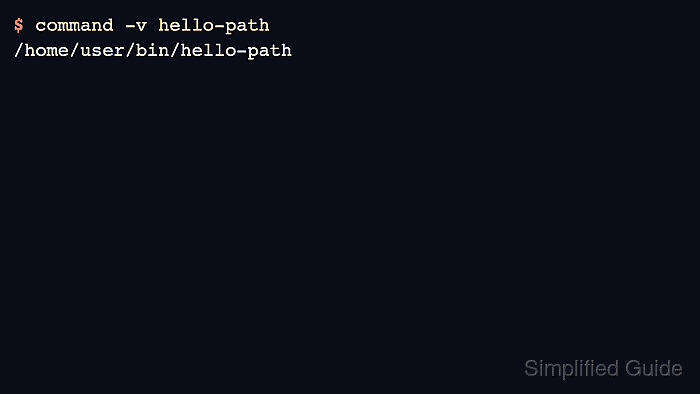
- Confirm that Bash resolves the command from the new directory.
$ command -v hello-path
/home/user/bin/hello-path
If command -v prints nothing, confirm that the directory is in PATH and the file is executable.
- Run the command without typing its full path.
$ hello-path
PATH entry works
Steps to set PATH environment variable permanently:
- Open ~/.bashrc in a text editor.
$ nano ~/.bashrc
- Add the PATH export near other user-level environment settings.
- ~/.bashrc
export PATH="$HOME/bin:$PATH"
If ~/.bashrc already changes PATH, update the existing line instead of stacking duplicate entries. Do not place a shared writable directory before system command directories.
- Check ~/.bashrc for Bash syntax errors before reloading it.
$ bash -n ~/.bashrc
No output from bash -n means Bash parsed the file without finding a syntax error.
- Reload ~/.bashrc in the current terminal.
$ source ~/.bashrc
- Confirm that a new interactive Bash shell resolves the command from the persistent setting.
$ bash --noprofile --rcfile ~/.bashrc -ic 'command -v hello-path' 2>/dev/null
/home/user/bin/hello-path
The 2>/dev/null redirect hides job-control warnings that can appear when an interactive shell is started only for a scripted check. Opening a new terminal and running command -v hello-path should show the same path.