How to create and use aliases in Bash
Repeated option-heavy commands are easy to mistype in an interactive Bash terminal, especially when the same command is run many times during one session. A Bash alias gives that command a short name for simple replacements such as a preferred ls format, while shell functions are better for shortcuts that need arguments, tests, or branching.
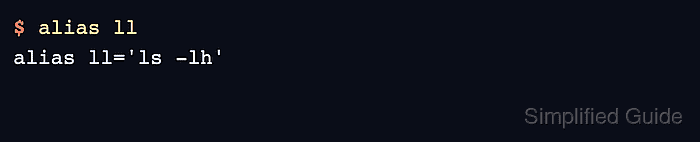
The alias builtin stores a name-to-command mapping in the current interactive shell. A temporary alias starts working as soon as it is defined, and unalias removes it from that shell without changing any startup file.
Persistent aliases belong in ~/.bashrc on typical Bash terminals because that file is read for interactive non-login shells. Check the file syntax, reload it with source, then verify both the stored definition and the command output before relying on the shortcut.
Related: How to configure Bash login scripts
Related: Create and use aliases in Zsh
Steps to create and use Bash aliases:
- Define a temporary alias in the current terminal.
$ alias ll='ls -lh'
- Confirm the alias definition.
$ alias ll
alias ll='ls -lh'
- Run the alias against a directory.
$ ll ~/projects/demo
total 0
-rw-r--r-- 1 operator operator 0 Jun  5 02:11 report.txt
Bash expands aliases in interactive shells by default. Scripts should use functions or full commands instead of depending on user aliases.
- Remove the temporary alias when the shortcut is no longer needed.
$ unalias ll
- Add the alias to ~/.bashrc.
$ nano ~/.bashrc
- ~/.bashrc
alias ll='ls -lh'
Keep interactive aliases in ~/.bashrc. Use a function instead when the shortcut needs parameters, tests, or more than one command.
Related: How to create a function in Bash
- Check ~/.bashrc for Bash syntax errors.
$ bash -n ~/.bashrc
No output from bash -n means Bash parsed the file without finding a syntax error.
- Reload ~/.bashrc in the current terminal.
$ source ~/.bashrc
- Confirm that the persistent alias loaded.
$ alias ll
alias ll='ls -lh'
- Run the alias after reloading the startup file.
$ ll ~/projects/demo
total 0
-rw-r--r-- 1 operator operator 0 Jun  5 02:11 report.txt