How to clear AWS CloudFront cache
AWS CloudFront caches your website's content at its edge locations based on configured TTL values. This caching can result in users seeing outdated content if the cache is not cleared after updates. This is especially critical for files like CSS and JavaScript, which, if outdated, can break your website's layout or functionality.
To ensure your users see the most up-to-date content, you must clear or invalidate the cache. Cache invalidation removes specific objects from the cache, forcing CloudFront to fetch the latest version from your origin server. This process is essential for maintaining your website’s appearance and functionality after updates.
You can clear the cache by invalidating the necessary objects in your CloudFront distribution. This process can be done directly from the AWS Console. Invalidation ensures that stale content is no longer served to your users, improving their experience with your website.
Steps to clear AWS CloudFront cache:
- Go to CloudFront dashboard in AWS Console.
Related: AWS CloudFront Management Console
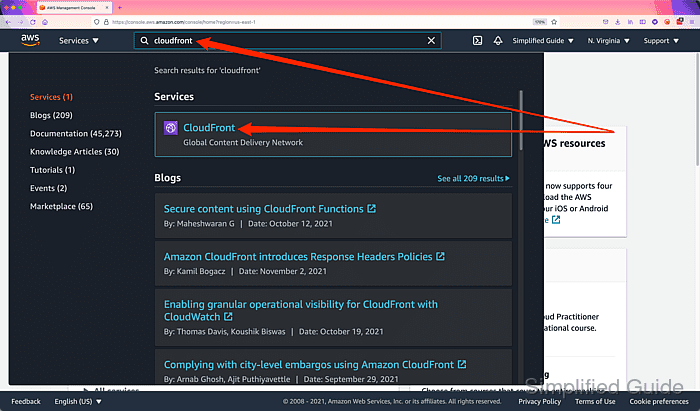
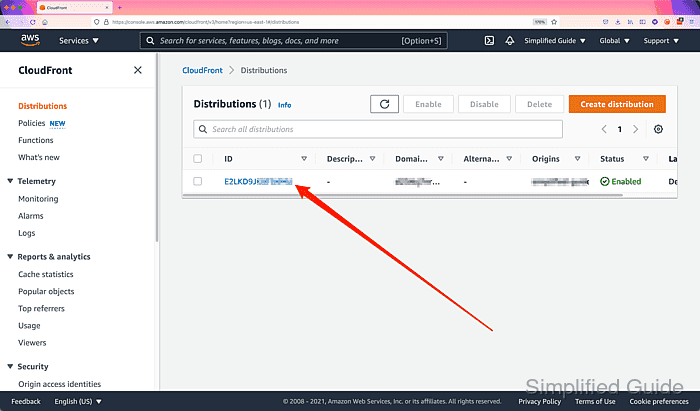
- Click on the CloudFront distribution that you want to delete the cache of.
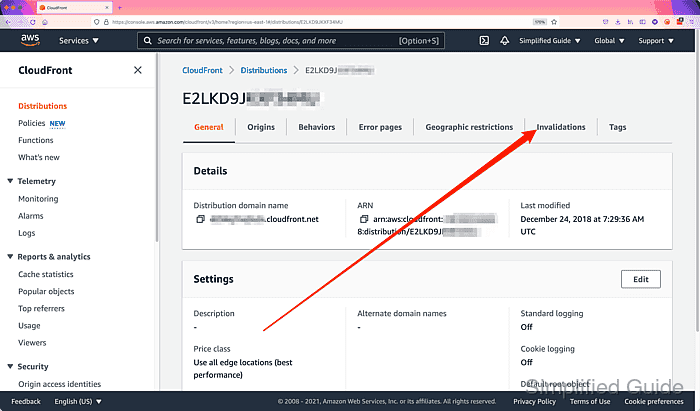
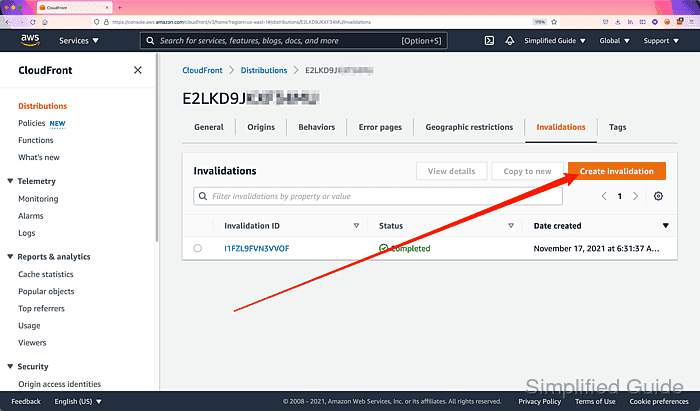
- Click on the Invalidations tab of the distribution.
- Click on the Create invalidation button.
- Enter the paths of the objects to be invalidated based on the given examples.
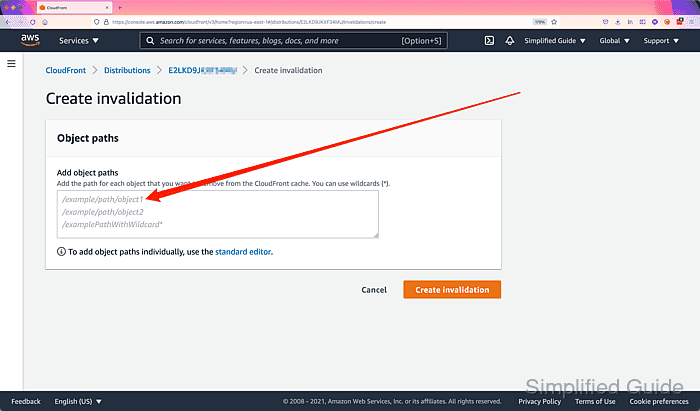
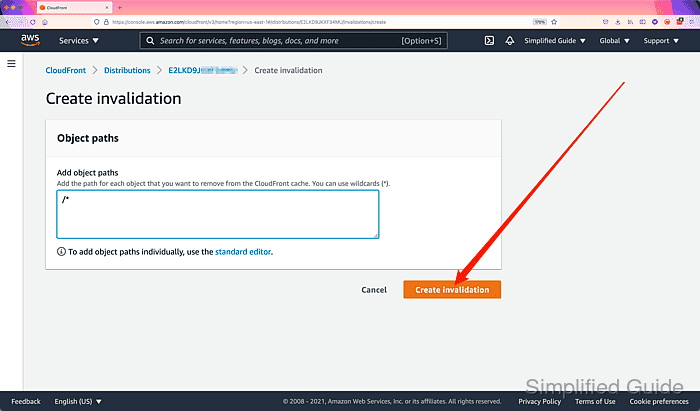
Using /* for the path will clear all cache.
- Click on the Create invalidation button.
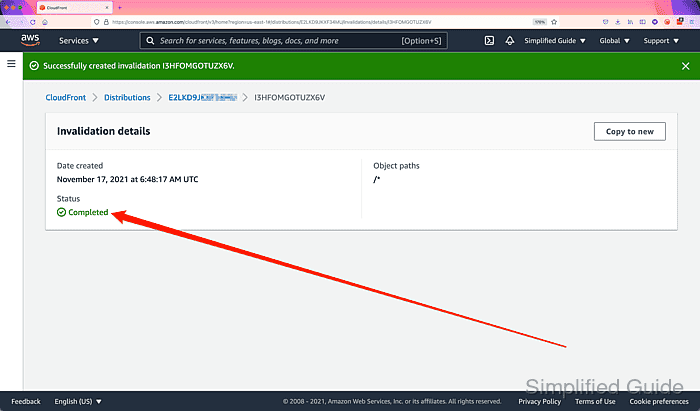
- Wait for the Cloudfront cache to be completely cleared.