How to install Apache Hadoop on CentOS, Fedora, or Red Hat
On Red Hat family systems, Hadoop usually comes from Apache binary archives or a vendor distribution rather than the base OS repositories. A clean install needs Java 17, a dedicated Hadoop user, an unpacked Hadoop tree, and profile settings for command access.
Use package-managed Java from dnf where available, then install the Hadoop archive under /opt so upgrades can be staged by switching a symlink. Keep service configuration separate from the installation directory.
The local Hadoop runtime and command client should be installed before cluster daemon configuration, HDFS formatting, and YARN startup are handled by the follow-on cluster guides.
Steps to install Apache Hadoop on Red Hat family Linux:
- Install Java 17 and download tools.
$ sudo dnf install java-17-openjdk-headless tar curl
Installed:
  java-17-openjdk-headless
  tar
  curl
- Create a Hadoop service user.
$ sudo useradd --system --home-dir /var/lib/hadoop --create-home --shell /bin/bash hadoop
- Download the Apache Hadoop binary archive.
$ curl -fLO https://downloads.apache.org/hadoop/common/hadoop-3.5.0/hadoop-3.5.0.tar.gz
- Install the archive under /opt.
$ sudo tar -xzf hadoop-3.5.0.tar.gz -C /opt
- Create a stable symlink and ownership.
$ sudo ln -sfn /opt/hadoop-3.5.0 /opt/hadoop
- Set Hadoop environment variables.
- /etc/profile.d/hadoop.sh
export JAVA_HOME=/usr/lib/jvm/jre-17-openjdk
export HADOOP_HOME=/opt/hadoop
export PATH=$HADOOP_HOME/bin:$HADOOP_HOME/sbin:$PATH
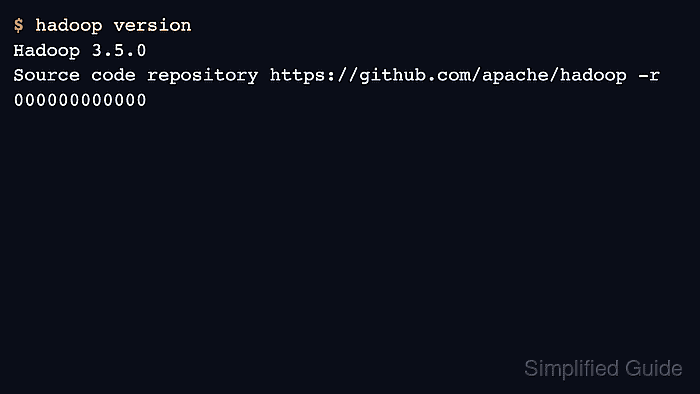
- Verify the command runtime.
$ /opt/hadoop/bin/hadoop version
Hadoop 3.5.0
Source code repository https://github.com/apache/hadoop -r 000000000000