How to set HDFS file replication
HDFS replication controls how many block replicas the cluster maintains for a file. Setting replication too low reduces failure tolerance, while setting it too high can consume capacity quickly on large datasets.
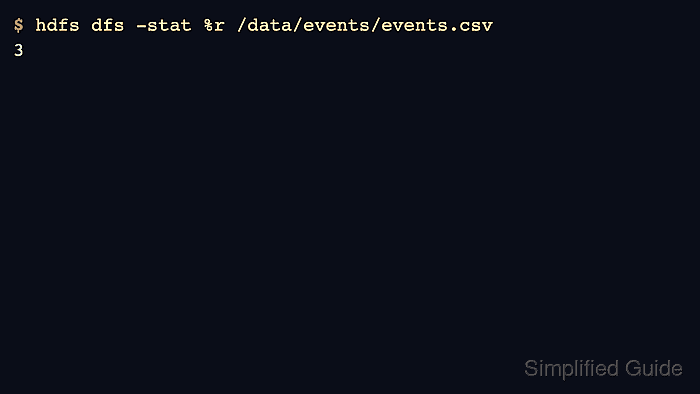
Use hdfs dfs -setrep for files or directories and inspect the resulting replication factor with hdfs dfs -stat or a listing. The -w flag waits until block replication reaches the requested value.
Replication does not apply to erasure-coded files in the same way. Check storage policy and file type before treating a replication change as a durability guarantee.
Steps to set HDFS file replication:
- Check the current replication factor.
$ hdfs dfs -stat %r /data/events/events.csv
2
- Set the new replication factor and wait for it to complete.
$ hdfs dfs -setrep -w 3 /data/events/events.csv
Replication 3 set: /data/events/events.csv
Waiting for /data/events/events.csv ... done
- Verify the file replication factor.
$ hdfs dfs -stat %r /data/events/events.csv
3
- Use a directory path only when every file below it should change.
$ hdfs dfs -setrep -w 3 /data/events/daily
Replication 3 set: /data/events/daily
Waiting for /data/events/daily/part-00000 ... done
Directory replication changes recurse through files below the path and can schedule large block movements.
- Check HDFS health after a large replication change.
$ hdfs fsck /data/events -blocks
Status: HEALTHY
 Total blocks (validated): 42
Related: How to check HDFS cluster health
Related: How to set an HDFS quota