How to set Conda channel priority
Conda channel priority controls which channel wins when the same package name exists in more than one configured channel. Leaving the mode unclear can make one environment solve from a higher-priority channel while another solve silently reaches into a lower-priority channel for dependencies.
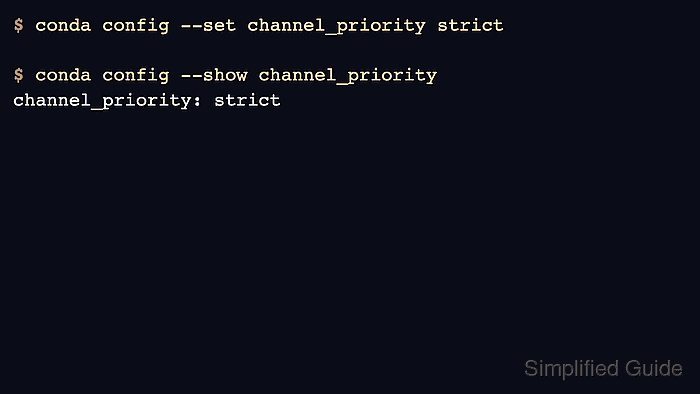
The priority mode only has meaning together with the channel order in .condarc, where the first listed channel has highest priority. strict ignores lower-priority packages with the same name, flexible can use lower-priority channels to satisfy dependencies, and disabled lets package version take precedence while using channel order only to break ties.
Use strict for maintained channel mixes such as conda-forge before defaults when package consistency matters, but check a problem environment if a solve becomes unsatisfiable. Conda reads the setting from its normal configuration layers on each command, so no shell restart is needed after changing channel_priority.
Related: How to configure Conda channels
Related: How to enable conda-forge in Conda
Steps to set Conda channel priority:
- Check the current channel order.
$ conda config --show channels
channels:
  - conda-forge
  - defaults
The first listed channel has highest priority. Reorder the channel list first if the package source policy does not match this order.
Related: How to configure Conda channels
- Check the current channel priority mode.
$ conda config --show channel_priority
channel_priority: flexible
- Set the desired channel priority mode.
$ conda config --set channel_priority strict
Accepted values are strict, flexible, and disabled. strict keeps same-named packages from lower-priority channels out of the solve; switch back to flexible only when that policy makes an approved solve unsatisfiable.
- Verify the active channel priority mode.
$ conda config --show channel_priority
channel_priority: strict
- Inspect the configuration sources if the active value is not the expected mode.
$ conda config --show-sources
==> /home/user/.condarc <==
channels:
  - conda-forge
  - defaults
channel_priority: strict
Multiple files can appear in this output. Check every channel_priority entry if conda config --show channel_priority returns a different mode than the one just set.